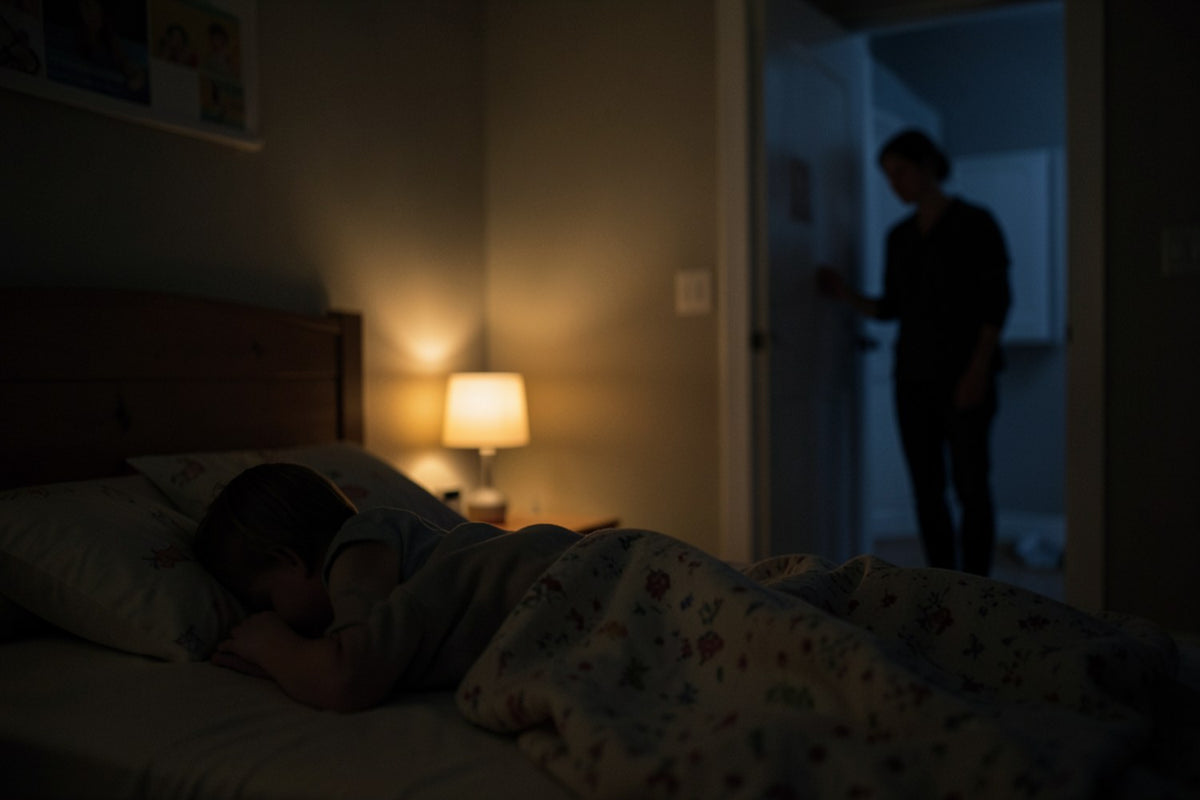
Night is often the most stressful time when you live with diabetes, or when you look after a child who does. Continuous glucose monitoring has changed a lot, but one question remains: how do you keep an eye on glucose without spending the night with your phone in your hand? Here are some practical pointers.
Why nights are so worrying
During sleep, you don't always feel the signs of glucose going down or up. Parents of children with diabetes know this reflex well: waking up "just to check", fumbling for the phone in the dark, unlocking it, opening the app… and struggling to get back to sleep. It's not only a safety issue: it's also a mental load that builds up night after night.
Glucose targets, alert thresholds and what to do in case of nocturnal hypoglycaemia or hyperglycaemia are specific to each person: set them with your doctor or your diabetes care team.
The tools available to you
1. Alerts from the official app
These are the foundation, and they must stay switched on. Regularly check the volume, your phone's "Do Not Disturb" mode and the battery: an alert that doesn't sound is useless.
2. Sharing with a loved one
Dexcom Share (Dexcom Follow app) and LibreLinkUp let a parent or partner receive glucose readings and alerts on their own phone. Handy, but it's still… one more phone to check. See our guides to Dexcom Share and LibreLinkUp.
3. A display on the bedside table
A glucose display shows the value at all times, with nothing to unlock. You open one eye, see the number, the arrow and the colour, and go back to sleep. For a parent, a screen in their own bedroom makes it possible to follow the child's glucose without going into the child's room.
What makes a good display for the night
- Brightness that adapts: too bright and the screen keeps you awake; too dim and you can't read it. A light sensor solves the problem automatically.
- Clear colours: green, orange, red. In the dark, you notice the colour even before the number.
- A trend arrow: knowing whether glucose is stable, rising or falling changes how you read a value.
- Adjustable sound alerts, in addition to those on the phone, with a reminder if the situation persists.
- A clock mode so the screen also works as an alarm clock on the bedside table.
Our tips for calmer nights
- Keep the official alerts switched on, always. The display is a visual complement.
- Test before relying on it: on the first night, check that the screen is readable and the alerts are audible from your bed.
- Check your Wi-Fi: the display needs a stable 2.4 GHz network in the room.
- Set the thresholds with your doctor, and use the same ones in the app and on the display to avoid confusion.
- One screen per room if needed: child's bedroom, parents' bedroom, living room.
What GlucyView does at night
Designed by a person with diabetes who first built it for his own nights, GlucyView was made for the bedside table: automatic brightness thanks to its light sensor, value shown in green, orange or red, trend arrow, 4 alert levels (urgent low, low, high, urgent high) with adjustable melodies and reminder, an intensive mode that repeats the alert as long as glucose stays out of range, and a clock mode. It also runs on battery and requires no GlucyView app to install.
Frequently asked questions
Won't the screen dazzle me?
With automatic brightness, the screen stays discreet in a dark bedroom while remaining readable.
Can I monitor my child's glucose from my bedroom?
Yes: with a LibreLinkUp follower account, or the wearer's Dexcom account with the Share feature switched on, the display shows the child's glucose wherever you place it.
What if the Wi-Fi drops?
GlucyView reconnects automatically as soon as the network is back and clearly indicates when the data is no longer up to date. That's one more reason to keep the official alerts switched on.
Further reading
- Grandparents: Looking After a Grandchild with Type 1 Diabetes
- Living alone with type 1 diabetes: reassuring your loved ones from a distance
- Remotely Monitoring the Blood Glucose of an Elderly Parent with Diabetes
GlucyView is a display accessory for information purposes only and is not a medical device. It never replaces your official CGM reader or receiver. Do not make any treatment decision based on it alone.